Before You Begin...
 What Are We Doing?
 How Hard is This?
 How Long Will This Take Me?
 Resources
 Start a PayPal Standard Account
 Integration Guide
Log In to Your PayPal Account
Click the 'Profile' Link
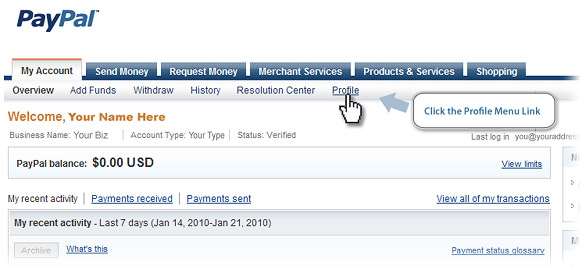
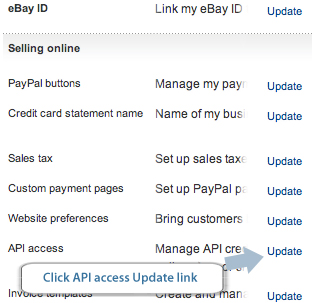
Click the 'API Access' Link
Click the 'Grant API Permission' Link
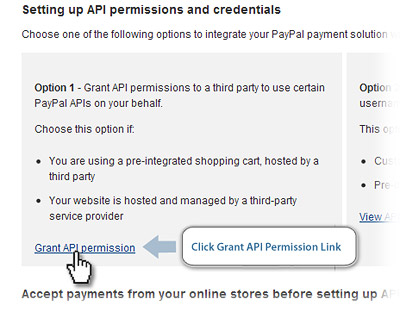
Add League Lab API Account Username: paypal_api1.leaguelab.com
Check BOTH 'Direct Payment' and 'Express Checkout' Options
Click Submit
In Your League Lab Admin, go to the Account tab, and select 'Settings' under 'Online Payment.'
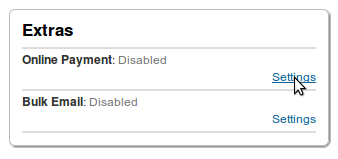
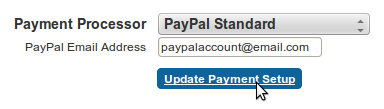
Select 'PayPal Standard,' enter the email address attached to your PayPal account, and click 'Update Payment Setup.'